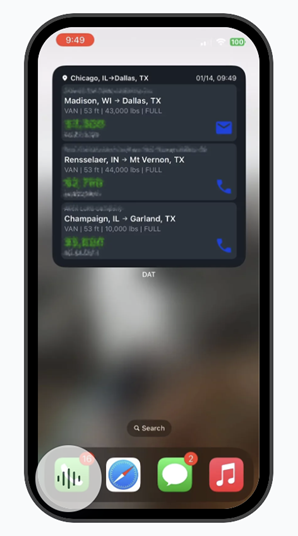
You can add the DAT One widget to your iPhone home screen to quickly see available loads without opening the app.
Note: The widget is currently available on iOS only.
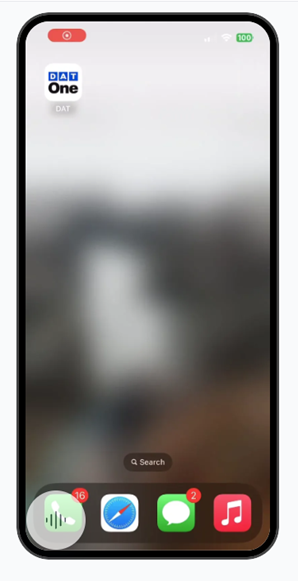
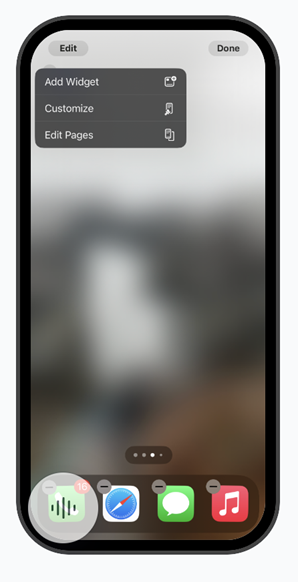
- To add the widget, tap and hold on an empty area of your home screen until the apps begin to jiggle. Tap Edit in the top corner, then select Add Widget.
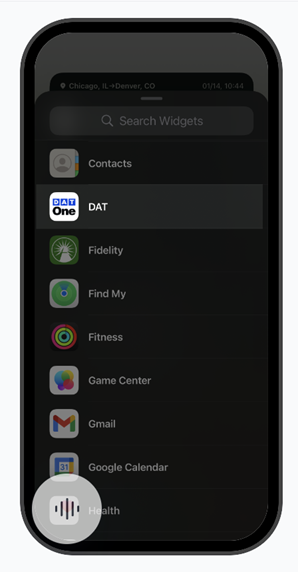
- Search for DAT One, choose the widget, and drag it onto your home screen.
- Drop it anywhere. The loads shown in the widget are based on your most recent search in the DAT One app. It displays the top three loads with the highest rate per mile from that search. The widget cannot be sorted or customized at this time. The widget refreshes automatically every five minutes.
- When you see a load you like, contacting the broker is easy. Call or email right from the widget in one tap.