
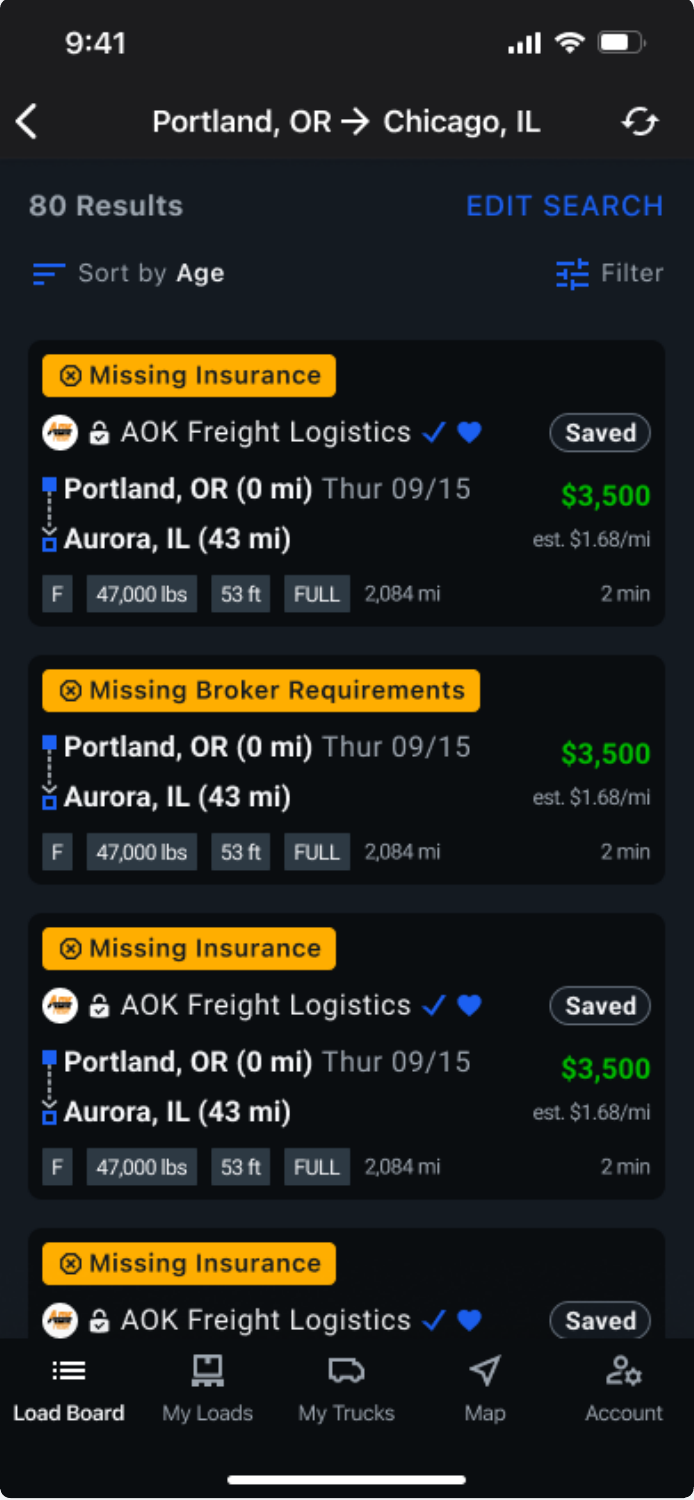
When your insurance needs attention, you’ll see a "Missing Insurance" message on certain load postings in DAT One Mobile. To resolve
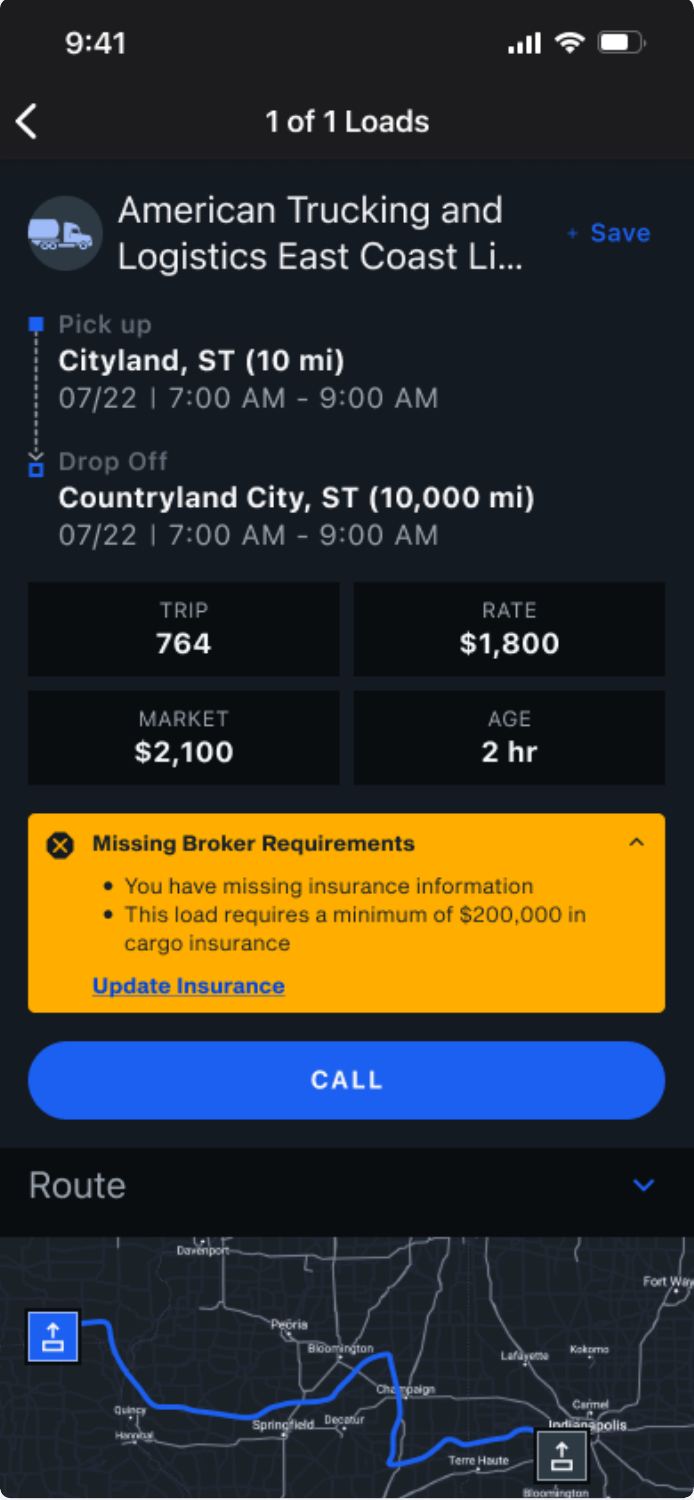
- Tap the load to view its details.
- Tap Update Insurance.
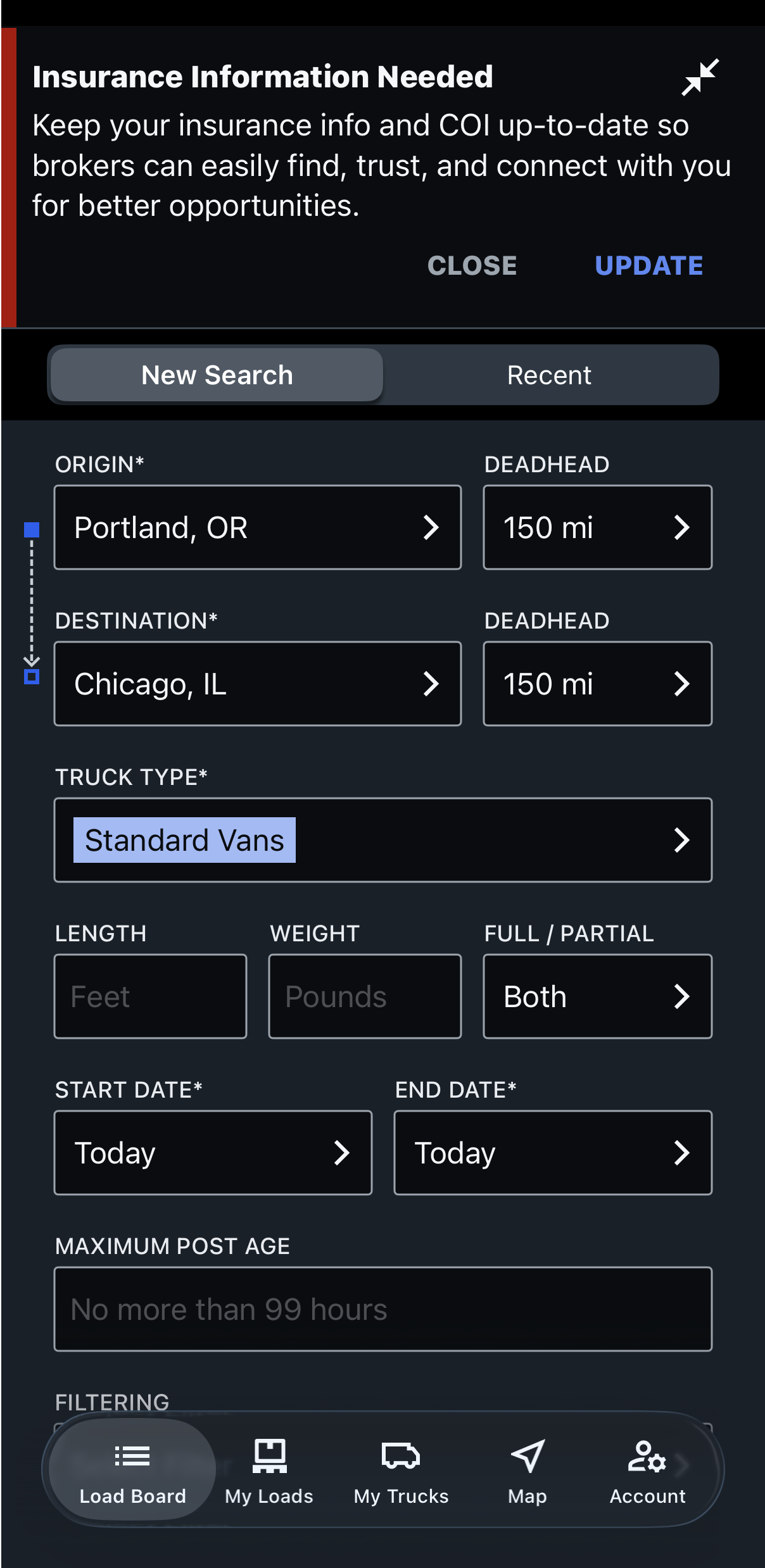
- Enter your insurance agent’s email address when prompted, and tap SUBMIT. This allows Certificial to contact your agent directly and request your COI.
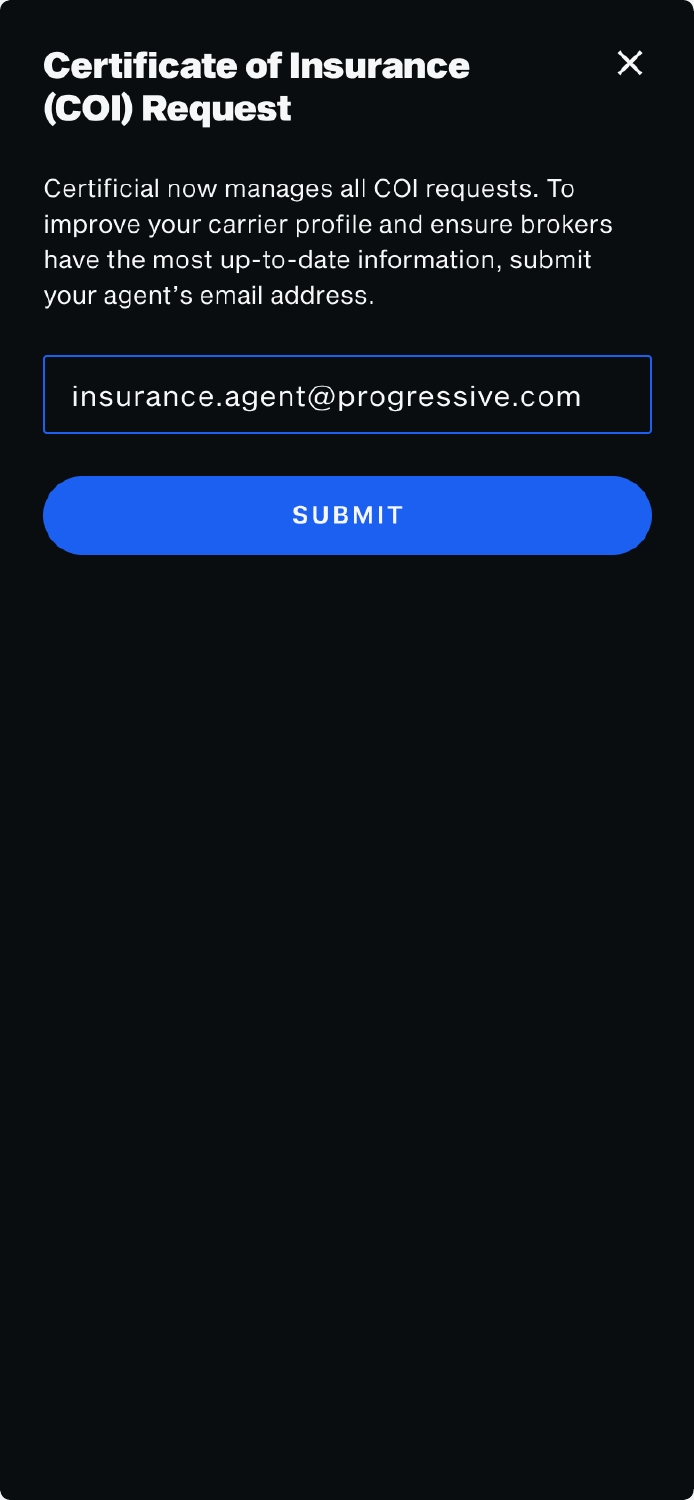
- Tap the X to go back to the load board.
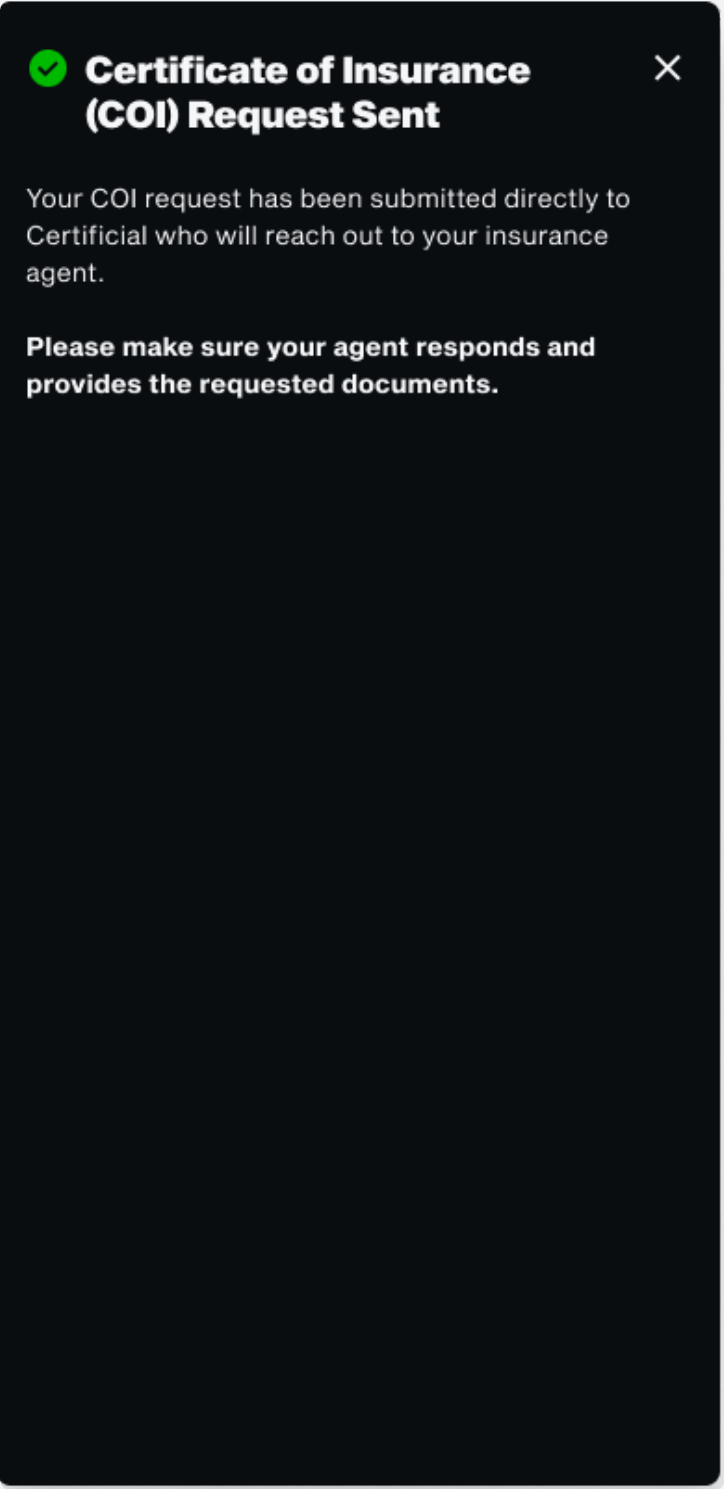
- Wait for confirmation. It can take a short time for Certificial and DAT to sync updates..
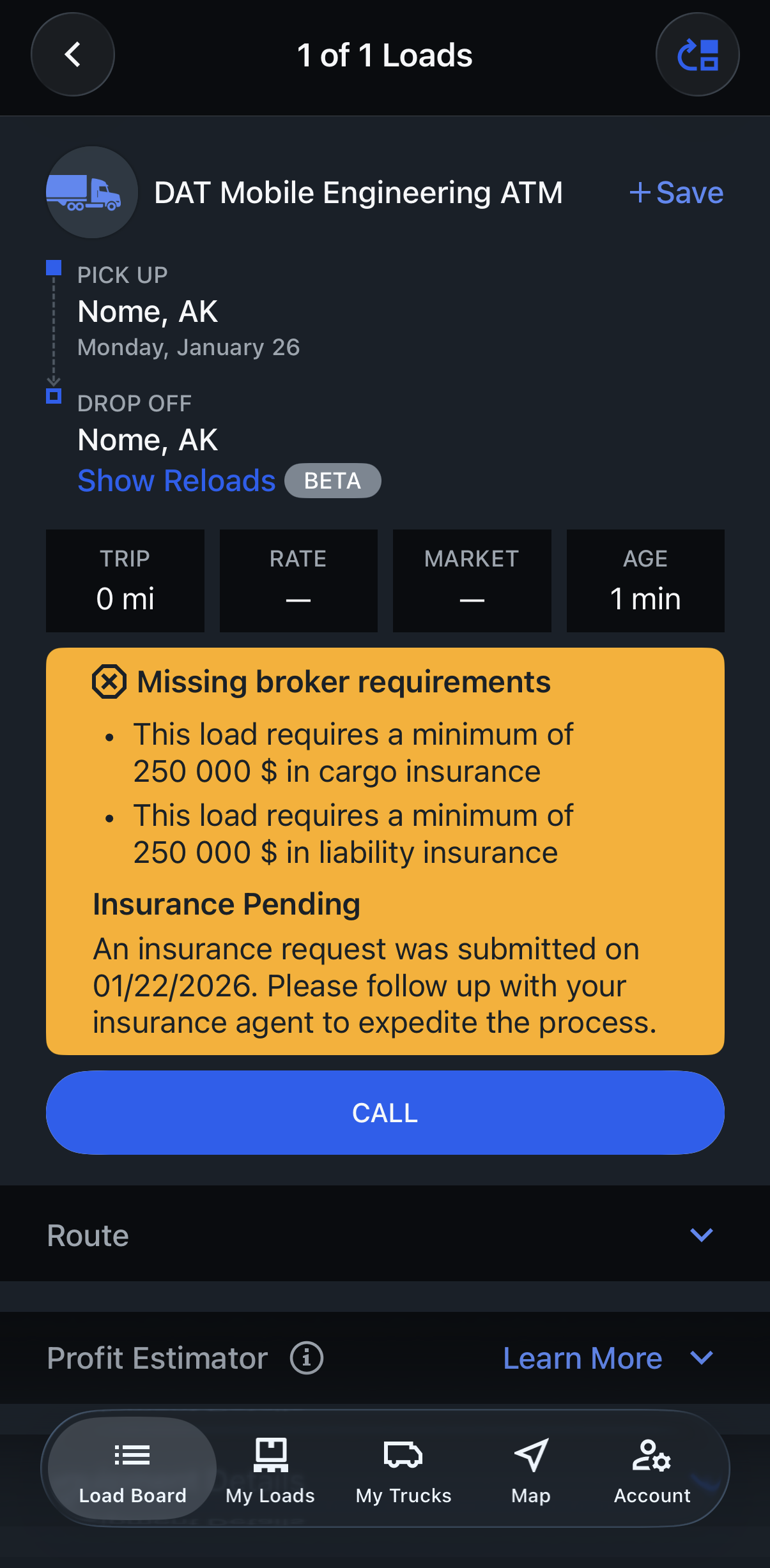
If you keep getting reminders
If you’ve already provided your agent’s email but still see reminders:
- To speed things up, ask your insurance agent to send the Certificate of Insurance (COI) directly to support@certificial.com.
- Confirm your agent received and responded to the request from Certificial.
- If the issue continues, contact Certificial Support at support@certificial.com.
They can check the status and help ensure your insurance information is updated correctly.