
DAT One allows you to quickly post your truck once you have done a load search. This feature will copy the details of your load search and pre-populates them into the post truck form, saving you time.
- From the Search Loads option, choose the 3 dots next the search and choose New Post from Search

- Click YES
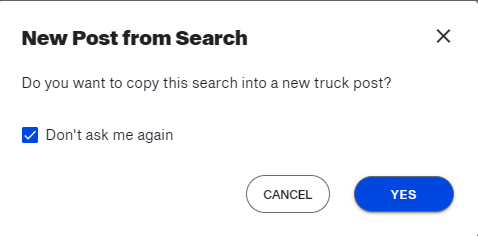 Note: To avoid seeing this notification in the future, you may select the Don't ask me again option
 - From the next screen, make any changes you would like to make and click POST when finished.