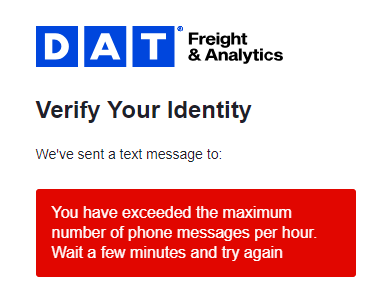
There can be a few reasons why you are not receiving the authentication code
- Phone numbers outside the United States and Canada are not supported for SMS or voice-based multi-factor authentication (MFA). For all users, regardless of location, we strongly recommend switching to app-based authentication, which is more secure and more reliable. Supported options include:
- If you are using a U.S. or Canadian phone number, please check the following:
- Verify that the phone number you entered is correct.
- Ensure the phone number contains exactly 10 digits. Do not include the country code.
- Confirm that your device has an active cellular signal.
- Send a text to 328674 with the word "START" and try again.
- Contact your mobile service provider to make sure SMS messages are not blocked and that MFA or one-time password (OTP) messages are supported.
- Ensure you have a stable internet connection.
- If you have requested too many codes in one day, you will be limited to seeing just one code an hour. Wait one hour and try again.